Reviews
Put your reviews to work on your website and quotes
Most businesses collect reviews and leave them on Google. Here’s how to use them where customers make the decision: on your site, your quotes and your follow-ups.
 LeadsGeeks Team3 min read
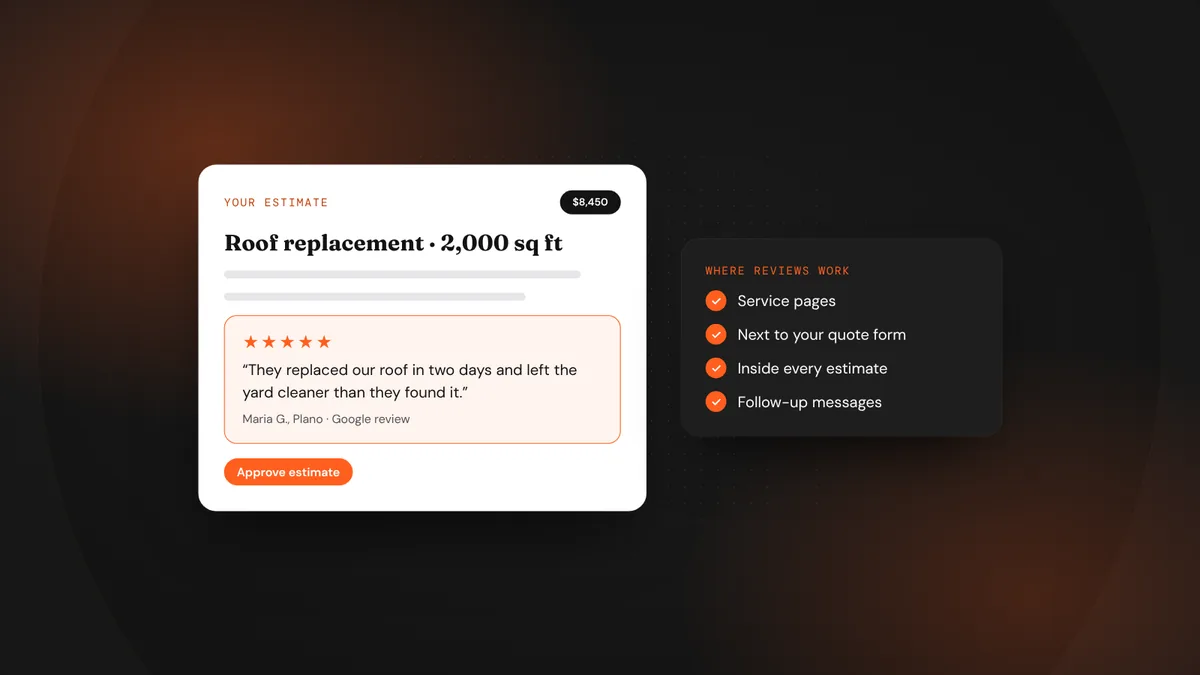
A five-star review does its job once when someone reads it on your map listing. It can do that job again on your homepage, beside your quote form, inside the estimate you email and in the follow-up that lands two days later. The trust is already earned. You just have to show it at the right moment.
- Show reviews close to every decision point: service pages, forms and quotes.
- Match the review to the job: a roof review on the roofing page.
- Quote customers accurately, with their permission where needed, and never edit their words.
Where reviews make the biggest difference
Picking the right reviews
- Look for the specific ones.“They replaced our AC in one day and cleaned up after” sells better than “Great service!”
- Match the worry.Pick reviews that answer the fear behind each service: price on big jobs, speed on emergencies, care on anything inside the home.
- Keep them recent.Refresh the reviews you feature every few months so the dates stay current.
- Show the name and source.First name and last initial, the town, and where the review was posted. It makes the review believable.
Stay on the right side of the rules
Use real reviews only, and don’t change the meaning of what a customer said. In the U.S., the FTC’s rule on fake reviews and testimonials took effect in October 2024. It bans fake reviews, buying positive reviews and hiding negative ones from a review section you present as complete. If you feature a handful of favorites, present them as highlights, not as every review you’ve received.
Add a review to every quote
Here’s what [first name] in [town] said after we finished a similar [service] last month: “[short, specific quote]” Happy to answer any questions about your estimate. Just reply to this email or call [phone].
It takes one line, it costs nothing, and it reminds the customer, right when they’re comparing prices, that people like them were glad they chose you.
Frequently asked questions
Can I copy Google reviews onto my website?
Quoting short excerpts with the reviewer’s first name and the source is common practice. Many businesses use a reviews widget that pulls them in automatically, which keeps them accurate and current.
Should I show my star rating on the site?
Yes, if it’s accurate and you keep it up to date. Link it to your Google profile so visitors can check it themselves.
What about negative reviews?
Don’t hide or delete what you can’t control, and don’t pretend a curated selection is everything. Thoughtful replies to negative reviews on your profile often build more trust than another five-star quote.
LeadsGeeks TeamWe build search, review and follow-up systems for local service businesses: the pages, profiles and automations that turn searches into booked jobs. ReviewsThe review request playbook: when and how to ask
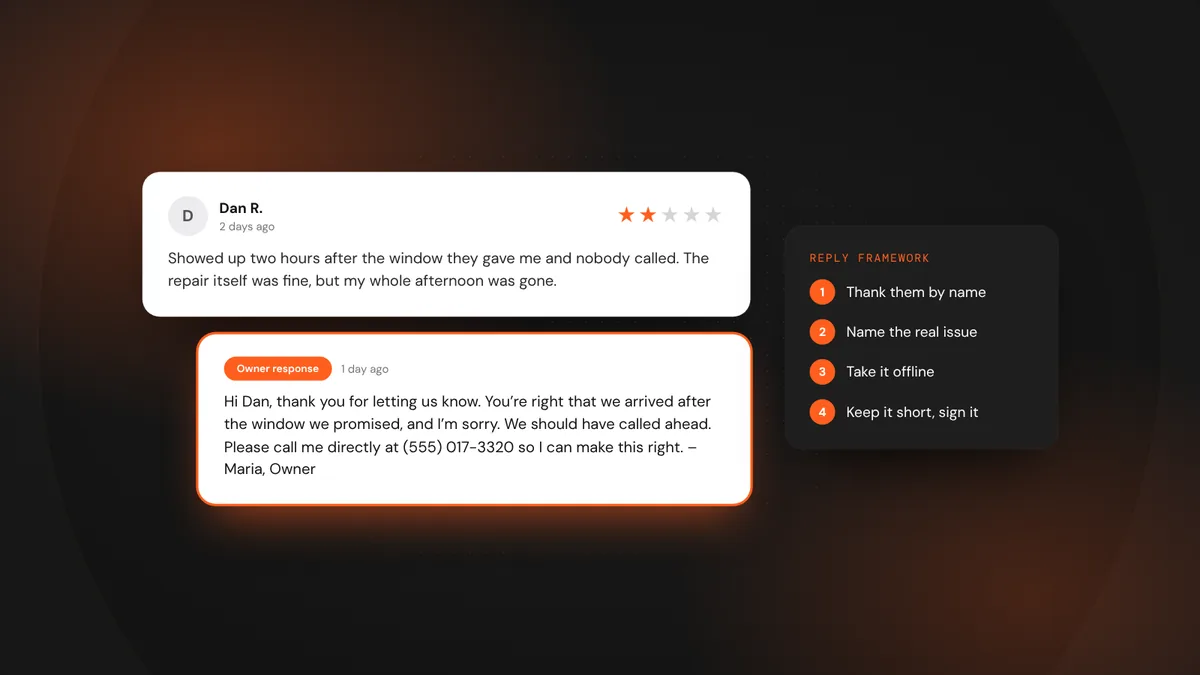 ReviewsHow to reply to a negative review (with examples)
 AI searchWhat AI search readiness means for a local service business