Websites
Is your website fast enough? Speed and mobile basics
Most local service customers find you on a phone, often in a hurry. Here’s how to check your site’s speed and fix the problems that cost you calls.
 LeadsGeeks Team3 min read
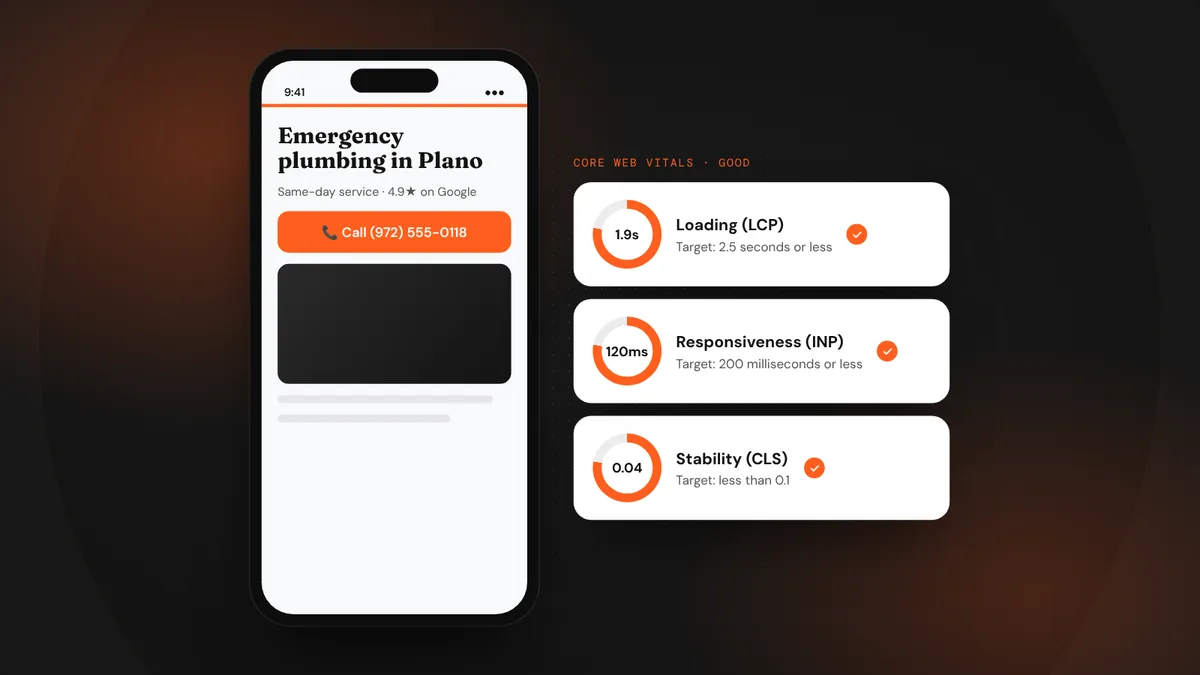
Someone standing in a flooded basement isn’t going to wait for a slow website to load. They’ll tap back and call the next result. A fast, simple mobile site is one of the quiet basics that separates the businesses that get the call from the ones that just get the visit.
- Test your site with Google’s free PageSpeed Insights tool.
- Google’s Core Web Vitals give clear targets for loading, responsiveness and stability.
- Big images, heavy plugins and slow hosting cause most problems.
How to test your site
- Run PageSpeed Insights.Enter your homepage and your top service page at pagespeed.web.dev. Look at the mobile results first.
- Check real-user data.If your site has enough visitors, the report shows how real people experienced it over the last 28 days. That matters more than the lab score.
- Try it yourself.Open your site on your own phone, on mobile data, away from Wi-Fi. Time how long it takes to see your phone number.
The three numbers Google cares about
These are Google’s published “good” thresholds for Core Web Vitals. You don’t need a perfect score. You need a site that loads fast enough that customers stay, and that doesn’t make them tap twice.
The fixes that matter most
- Shrink your images.Photos straight from a phone are often several megabytes. Resize them and use modern formats like WebP.
- Cut the extras.Sliders, chat widgets, pop-ups and unused plugins all add weight. Keep only what helps customers act.
- Use good hosting.Cheap shared hosting can make every page slow. Your site’s speed starts with the server.
- Make the phone number tappable.On mobile, your number should be a click-to-call button, visible without scrolling.
- Keep forms short.A long form on a small screen is slow to fill in, however fast the page loads.
Frequently asked questions
Does website speed affect Google rankings?
Page experience, including Core Web Vitals, is one of many signals Google uses. It rarely outweighs relevance, but a slow site loses customers either way.
My score is low but the site feels fast. Should I worry?
Look at the real-user data in PageSpeed Insights and test on a phone with mobile data. If real visitors get a fast experience, the lab score matters less.
Do I need a new website to be fast?
Not always. Compressing images, removing heavy plugins and better hosting fix many sites. If the site is built on a heavy theme, a rebuild can be the faster path.
LeadsGeeks TeamWe build search, review and follow-up systems for local service businesses: the pages, profiles and automations that turn searches into booked jobs.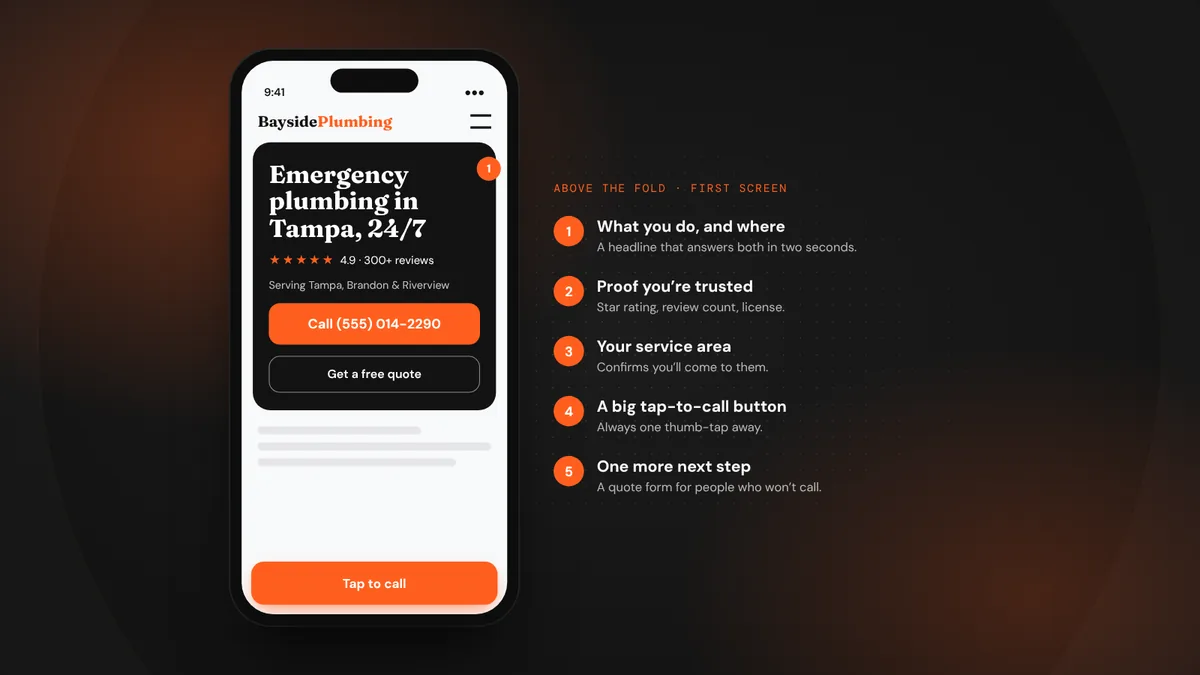 WebsitesWhat every local service website needs above the fold
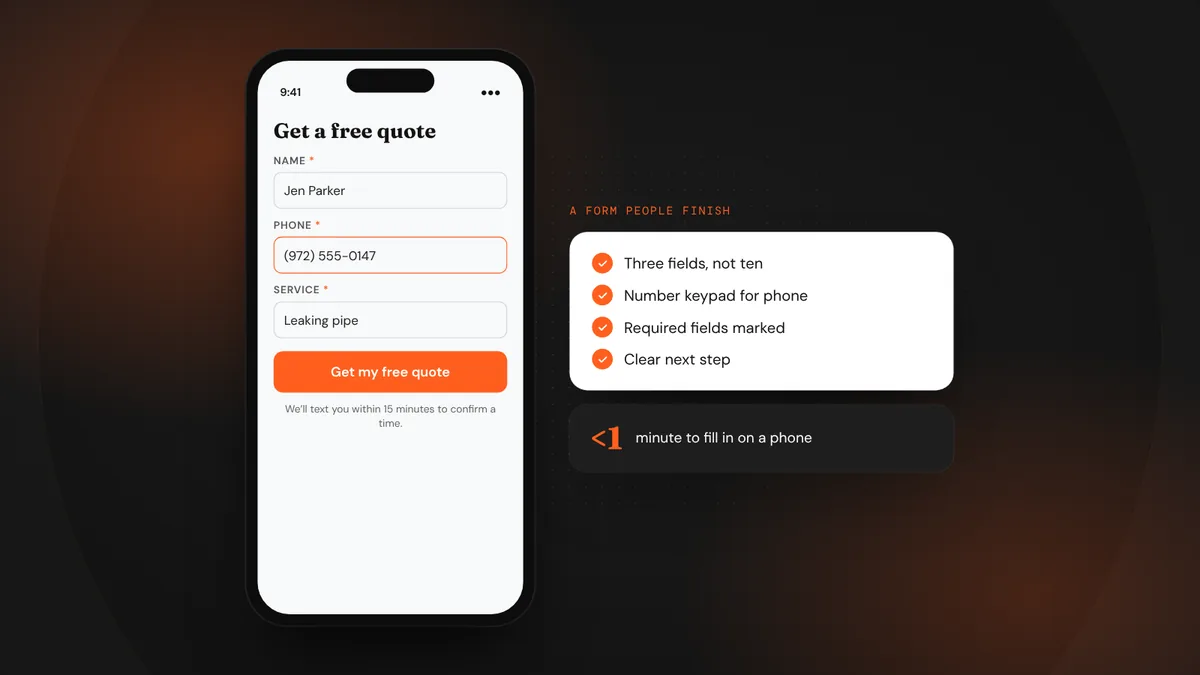 WebsitesQuote request forms that people actually finish
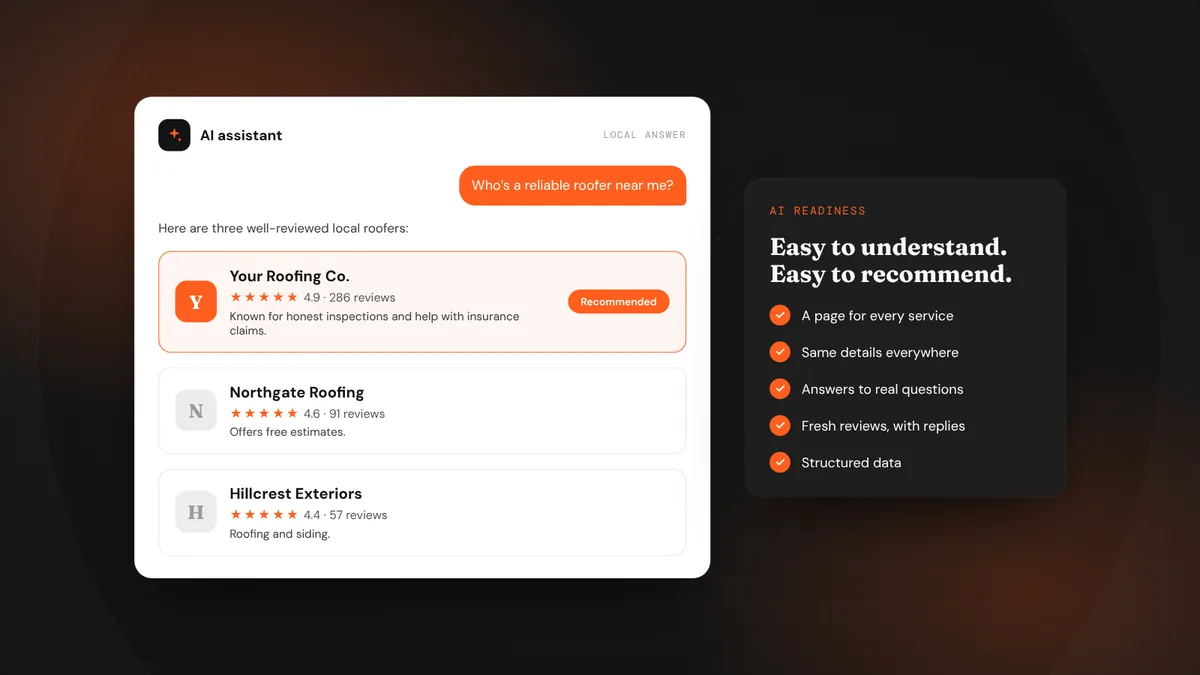 AI searchWhat AI search readiness means for a local service business